Start with your rosette.
Choose a library design or import a closed DXF outline. Check the size, repeat count and shape before applying a touch.
Explore the library ROSE ENGINE LABTHE DIGITAL WORKSHOP
Bring your rosettes, touches and worm-wheel moves into one digital workshop. See how they work together before you take a cut in metal.
Private preview · access by invitation
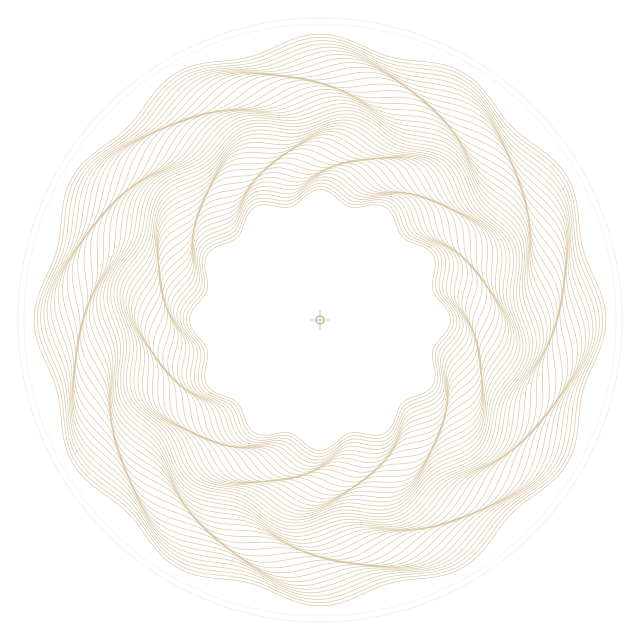
Computed cut-path illustration. Open the setup to simulate the engraved surface.
Follow the same decisions you make at the machine, with room to try a different move.
Choose a library design or import a closed DXF outline. Check the size, repeat count and shape before applying a touch.
Explore the libraryAdjust the touch and watch contact. Compare the solved motion with a sine, including RMS error and maximum sampled deviation.
Open sine analysisEnter CW and CCW dial moves, set cutter depth and stepover, then preview the cuts. Save the complete setup to return to it.
Try a phase studyUse the numbers from your machine. Each entry is a worm-dial move between cuts; direction stays explicit. Cutter angles and cutting depth determine the simulated line width, with inches and metric readouts together.
Keep the rosette fixed while you explore the touch. Keep the motion when you save a pattern. Know what changed when you try again.
Step into the workshopCurrently in private preview.
Made for exploring ideas at the bench.
No. The browser version runs the motion and pattern calculations without Rhino. You can export an outline from your CAD software as a closed ASCII DXF and bring it into the rosette library.
Yes. Import a closed planar DXF outline, confirm its units and spindle center, then check its repeats. The source file stays unchanged. Imported outlines are sampled geometric approximations.
The preview models geometry and contact numerically. Sine analysis reports sampled error; it does not prove a perfect physical sine. Material behavior, tool wear and machine clearance still need checking at the machine.
The hosted workshop is being prepared for an invited preview. Invited members will use their own username, verified email and password. Public registration and paid plans are not open yet.
I have an invitationStart with a rosette. See where it takes you.